
Starlink is infrastructure, not a promise. It can improve the satellite link feeding a ship, but what you actually experience still depends on that ship's antennas, its onboard network, the rules attached to the package you bought, your device, your route, the weather, and how many other people are online at the same moment.
The short answer
Starlink can cut latency and add capacity compared with older satellite architectures. On selected ships and packages it makes browsing, messaging, video calls and streaming genuinely practical. It does not guarantee uninterrupted service, a particular speed, working VPN access, support for your streaming stick, or the same performance from one sailing to the next.
Think of it as three layers stacked on top of each other:
| Layer | What it is | What it decides |
|---|---|---|
| 1 · Satellite backhaul | How the ship reaches the internet at all | This is the only layer Starlink touches. |
| 2 · The shipboard network | Antennas, routers, cabling, access points, capacity | Decides whether the connection reaches your cabin. A weak access point three decks down is not a satellite problem. |
| 3 · Your package and device | What you are permitted to do, on how many devices | Decides whether streaming, video calls or a VPN are allowed at all, regardless of available bandwidth. |
This is the whole article in one idea. Starlink operates on layer one. Nearly every complaint people bring home from a cruise — nothing in the cabin, fine at breakfast and useless at nine in the evening, the VPN would not connect, the streaming stick was refused — lives in layer two or three, where the satellite has no say at all.
What Starlink actually changes
Starlink is a low-Earth-orbit network, and a shorter path to the satellite generally means lower latency and more available capacity than older architectures managed. That helps most with things that are sensitive to delay rather than to raw throughput: web browsing, email, messaging, cloud-based work, video calls where the package permits them, and some streaming.
By 2026 most major lines describe Starlink somewhere in their official materials. Several are explicitly multi-orbit rather than Starlink-only — SES now markets an integrated MEO-LEO service for cruise that pairs its own O3b mPOWER constellation with Starlink, and Princess describes a network able to draw on low, medium and geostationary orbits plus 5G near shore.
Starlink's own published figures are not a passenger promise. Its specifications state that real performance varies with network load, location, weather, equipment and regulatory conditions, and its maritime guidance adds obstructions and licensing to that list. A number quoted for the constellation is not a number quoted for your cabin.
What it does not fix
- A weak access point in your cabin or a quiet corner of a public deck.
- Congestion when several thousand people come online at the same hour.
- A basic package that blocks streaming or video calls by design.
- A one-device-at-a-time rule.
- VPN incompatibility, or a line that permits VPNs but will not support them.
- Unsupported hardware — streaming sticks, wired connections, some desktops.
- An outage at the cruise line's own app, payment portal or a remote server.
- Regional and territorial-water restrictions on maritime satellite service.
- Weather, and the geography of fjords, narrow passages and remote routes.
The practical rule: confirm the ship, the package, the device and the itinerary — not the satellite logo.
How six lines actually write the rules
Package names travel badly between lines, and the differences that matter are usually buried in the terms rather than the marketing. These were checked on September 2, 2026.
| Line | Satellite position | Package structure | The rule that catches people out |
|---|---|---|---|
| Carnival | Starlink deployed | Plans sold by speed tier | Not supported on any plan. Carnival tells guests to raise it with their employer’s IT department. |
| Virgin Voyages | Starlink | Basic · Classic · Premium · Work From Sea | Work From Sea is the tier positioned for VPN and Zoom / Teams / Meet. Even where a package permits a VPN, Virgin does not support it. |
| Royal Caribbean | VOOM, Starlink-powered | One package: VOOM Surf + Stream | Browsing, social, email, video calling and streaming sit in the single package rather than being split across tiers. |
| Princess | MedallionNet, multi-orbit | MedallionNet · MedallionNet Max | Max is prioritized bandwidth, and is sold only inside bundles that also carry drinks, dining and other extras — you cannot buy the priority on its own. |
| Holland America | Starlink installed fleetwide | Surf · Stream | Surf covers browsing, email and messaging apps. Stream is the upgrade that adds Netflix and similar. |
| Disney | Starlink | Paid plans, plus a free app network | The DCL-GUEST network is free for the Navigator app only. Free app access is not free internet. |
Why two people on the same ship get different answers
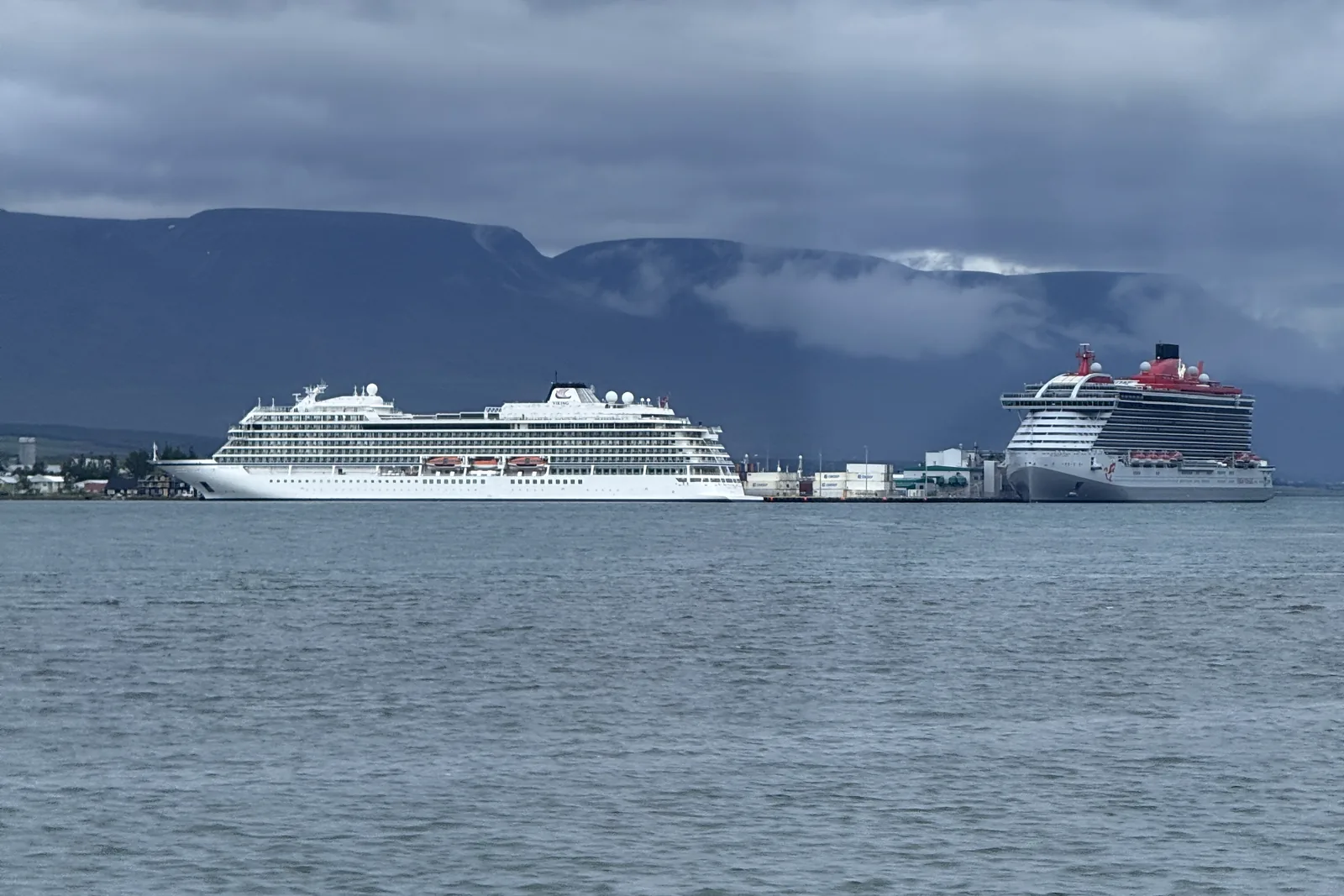
- Where the ship is. Routes cross coverage areas and regulatory regimes, and licensing can restrict maritime service in particular territorial waters.
- Weather. Rain and storms affect satellite performance.
- Onboard design. The link still passes through this ship's antennas, cabling and access points.
- Congestion. Thousands of guests share the same pipe, and evenings are the crunch.
- Prioritization. A premium tier may be treated differently from a basic one — that is what Princess is selling with MedallionNet Max.
- Your device. Connection limits, and hardware the line simply does not support.
- Something else entirely. A cruise app, an email provider or a VPN endpoint can fail on its own, with the satellite working perfectly.
Is it worth paying for?
- Messaging and the ship's app. Start with the free app network where the line offers one, and download the app before you leave home.
- Browsing and email. A basic or browse tier is usually enough, and is where most people over-buy.
- Work and video calls. Confirm the VPN policy, video-call support, device limits — and whether your employer permits the connection at all. Schedule anything critical with slack around it.
- Streaming and large uploads. Only after confirming which services are supported, which devices are supported, and what your route does to coverage.
Build the backup plan first
- Download boarding documents, insurance details, hotel confirmations, maps, entertainment and work files before you sail.
- Install and sign into the cruise line's app on land, where it can actually authenticate.
- Schedule critical calls for port, or a connectivity window you have confirmed.
- Manage Airplane Mode and cellular roaming deliberately — an accidental roam at sea is expensive.
- Give family an emergency contact route that does not depend on ship Wi-Fi.
- Build work deadlines with outage room in them.
Never make ship Wi-Fi your only emergency channel. Traveling solo, leave a simple check-in schedule with someone at home. In a group, agree meeting points and the day's plan offline, so one dead battery does not strand everybody.
Devil's advocate
If what you actually want is a genuine break, buying Wi-Fi can add cost and low-grade anxiety without improving the holiday at all. If you need one daily check-in, port connectivity or a short-use option may cover it for a fraction of the money.
And if you need uninterrupted work, a cruise ship is the wrong office. Even a Starlink-equipped ship runs into congestion, weather, territorial restrictions, unsupported hardware and failures somewhere else in the chain. Treat cruise Wi-Fi as useful travel infrastructure — not as business continuity.
Frequently asked
Does Starlink mean the Wi-Fi will work in every cabin?
No. Starlink addresses the satellite layer only. Whether it reaches your cabin depends on the ship’s own antennas, cabling and access points, on how many people are online, and on what your package permits.
Can I use a VPN on cruise Wi-Fi?
It depends entirely on the line. Carnival does not support VPN connections on any plan and refers guests to their employer’s IT department. Virgin Voyages positions Work From Sea as the tier for VPN and meeting platforms, but states it cannot provide support for VPN connections even on packages that permit them. Confirm with both the operator and your employer before you rely on it.
Can I stream or take video calls?
On some packages, on some ships. Royal Caribbean folds streaming and video calling into its single VOOM Surf + Stream package; Holland America splits them, with Stream as the paid upgrade over Surf. Confirm the current terms for your exact sailing rather than the line in general.
Is the cruise line app free without buying Wi-Fi?
Often, but only the app. Disney’s DCL-GUEST network carries the Navigator app at no connection charge, and several lines do something similar. That is not the same as free internet — email, browsing and streaming still need a plan.
Should I buy the package before boarding?
Compare the pre-cruise price against the onboard terms for your specific sailing. Pre-purchase is often cheaper, but buying early removes none of the service limitations, and a package bought for the wrong use is the most common way people waste money on this.
Which itineraries are most likely to disappoint?
Remote and high-latitude routes, narrow passages and fjords, and any waters where local licensing restricts maritime satellite service. Coverage is a regulatory question as much as a technical one, and it varies by territory.
How I actually handle this
I check the specific ship, the specific sailing, the package rules, the device count and what you need the connection for before recommending anything — because a package bought for the wrong use is the most common way people waste money on this. The point is not that a satellite name answers the question. It is that the question has three layers, and only one of them is in orbit.
What we verified, and what will still change. Package names, VPN positions and support descriptions were checked against operator materials and reporting on September 2, 2026. Inclusions, device limits, coverage, territorial restrictions, prices and fare bundles all change without notice, and onboard performance varies sailing to sailing. This article deliberately quotes no package prices or speed-test figures. Recheck the operator's current terms before you pay.
Sources
- Carnival Cruise Line — Internet Plans
- Virgin Voyages — Sailor Services FAQ
- Princess Cruises — MedallionNet
- Cruise Critic — Cruise Line Wi-Fi and Internet Packages
- The Points Guy — Starlink on cruise ships: which lines have faster internet on board
- DCL Guide — Disney Cruise Wi-Fi and Internet Guide 2026
- SES — Integrated MEO-LEO service with Starlink for cruise
- Off The Grid Getaways — Project Expedition, GetYourGuide and Viator cruise policies
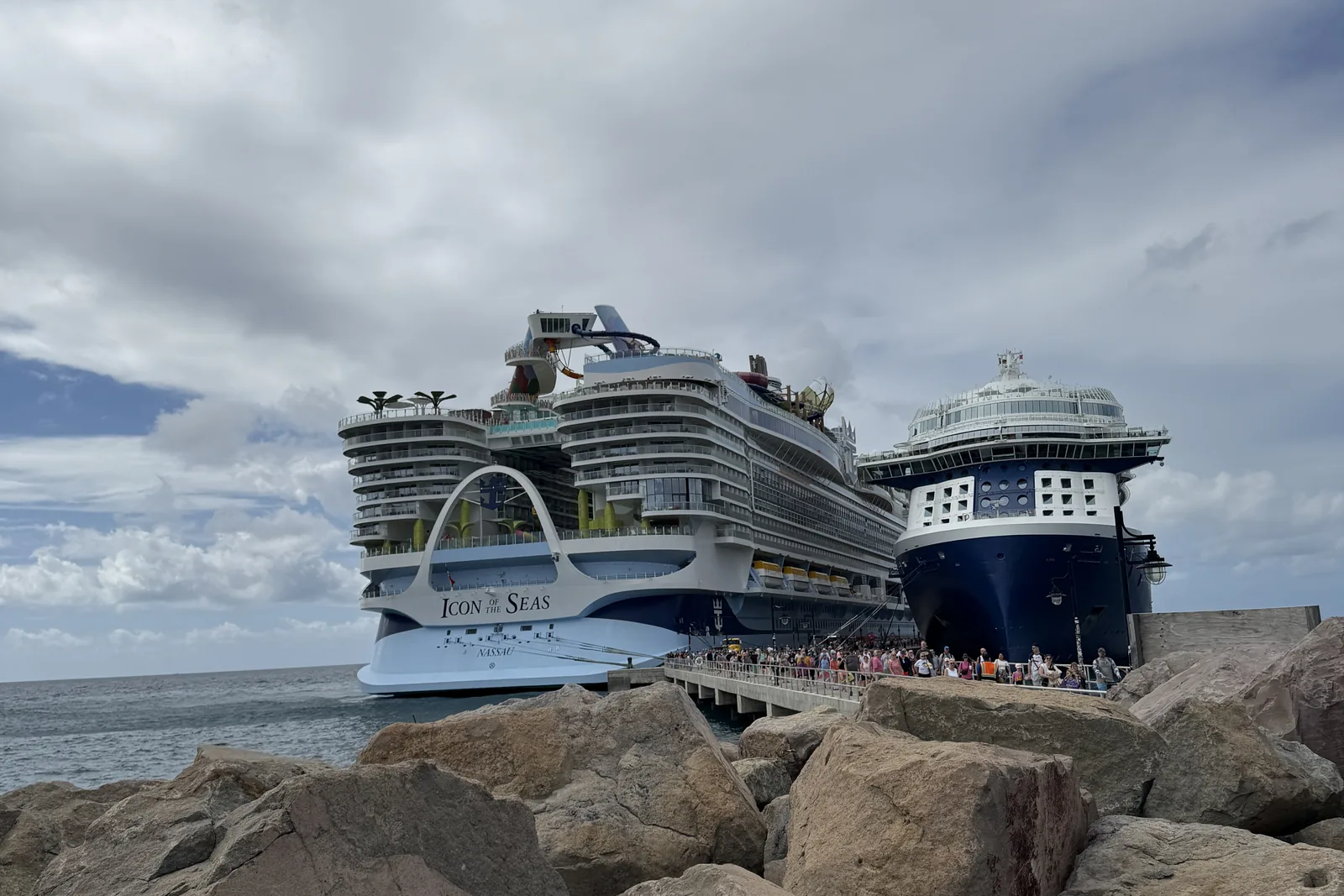
Off The Grid Getaways is an independent travel advisor. Cruise lines and connectivity providers control their own packages, pricing, coverage and terms. Nothing here asserts current package pricing or measured speeds. The header image is a stock photograph of a rocket launch; the two photographs inside the article are our own, taken at Akureyri in August 2025 and St Kitts in February 2025.
Need the connection to actually work?
Tell me what you need it for — a daily check-in, a standing video call, or nothing at all — and I will match the ship, the sailing and the package to that, rather than to a logo.
Begin the Journey